Turn a topic into a ready-to-post vertical video.
Script, voiceover, word-synced captions, visuals and music — from a single topic. Or bring your own video to caption it, dub it, cut it into clips and post it to YouTube automatically. Pay per video or self-host it for nothing; no subscription either way.
- languages
- 9 languages
- art styles
- 6 art styles
- free credits
- 5 free credits
- licensed
- MIT licensed
@shortpulse
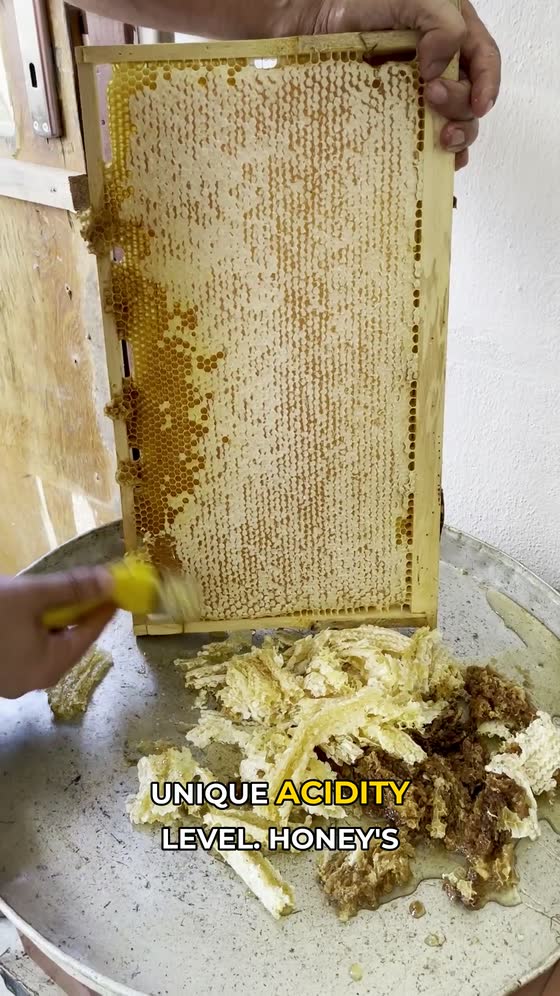
Why honey never spoils 🍯
original sound — shortpulse
Seventeen videos this pipeline actually made
Unedited output — AI-written script, Piper voiceover, word-synced captions, in all nine languages the product offers. Sixteen use real stock footage; the one marked AI stills was drawn by the paid mode. Hover any one to play it.
Footage from Pexels, filmed by Aaron Burden, Abdullah | 4K, Adventure Studio, Aleks Magnusson, Alexey Chudin, Ambareesh Sridhar Photography, Ana Sandu, Andre Moura, Andres Perez, Angela Roma, Anna Pou, Anna Shvets, Artem Podrez, aslı aydoğdu, Bahri Gün, Barbara Olsen, Bav Vadgama, Ben Prater, Canan İldeniz, cottonbro studio, Darina Belonogova, Deti riyanti, Ebahir, Emrah, Eyüp Can, Grigoriy Bunkov, Hale Ş, Hashim Suhimi, Iceberg San, Ilya Lyzhin, John Diez, Joolsmagools ®️, Juan Camilo Trujillo Botero 🇨🇴📸, JUN HO LEE, K, Kakada Chuon, Kevin Malik, khezez | خزاز, Koushalya Karthikeyan, LauraB, Lentes Bella, Luis Quintero, Marina Leonova, Masha Glazova, Matthias Groeneveld, Max Medyk, Michael Burrows, Mikhail Nilov, Mizuno K, Muhtelifane, Nadezhda Moryak, Nicola Narracci, Nikita Ryumshin, Nisasu, Pachon in Motion, Pavel Danilyuk, Photoviewx, Physical Pixel, RDNE Stock project, ROMAN ODINTSOV, Ron Lach, Sema, Shan Ali, Stefanie Jockschat, Thuan Pham, Tima Miroshnichenko, Timothy Fuller, Timur Weber, Toni.063371 - Antonio Sáez, Yuliya Duzhaya, Şahin Doğdu. The AI-stills clip has no footage to credit — every frame of it was generated.
Background music is “Airport Lounge” by Kevin MacLeod (incompetech.com), licensed CC BY 3.0 — the same royalty-free track the pipeline falls back to by default.
Five jobs, one place to do them
Start from a topic or from footage you already have. These are screens of the app itself — pick a tab to see each part.
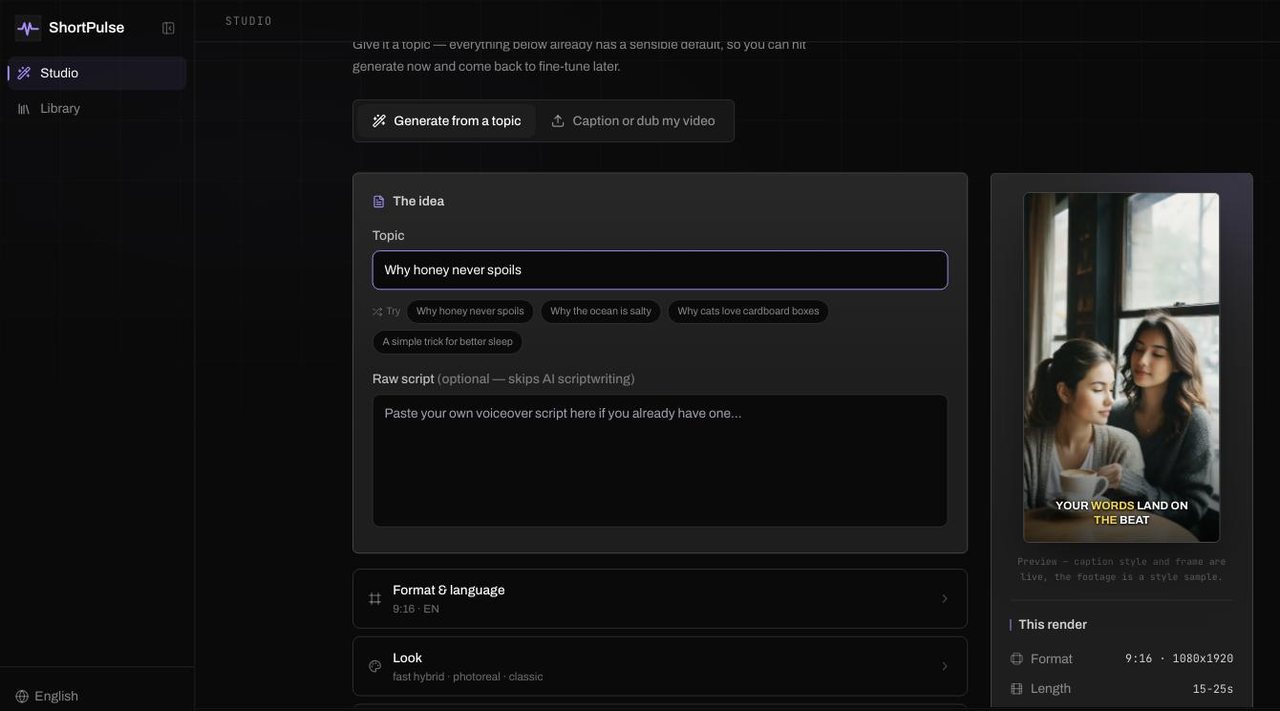
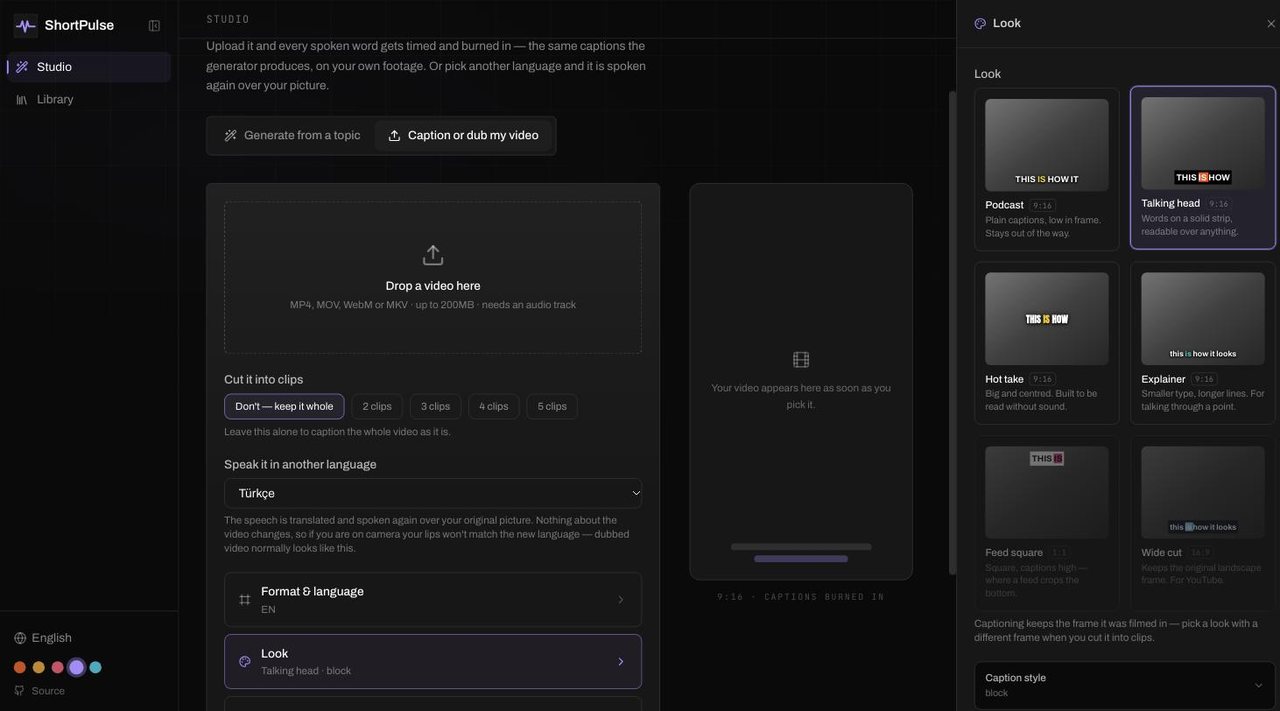
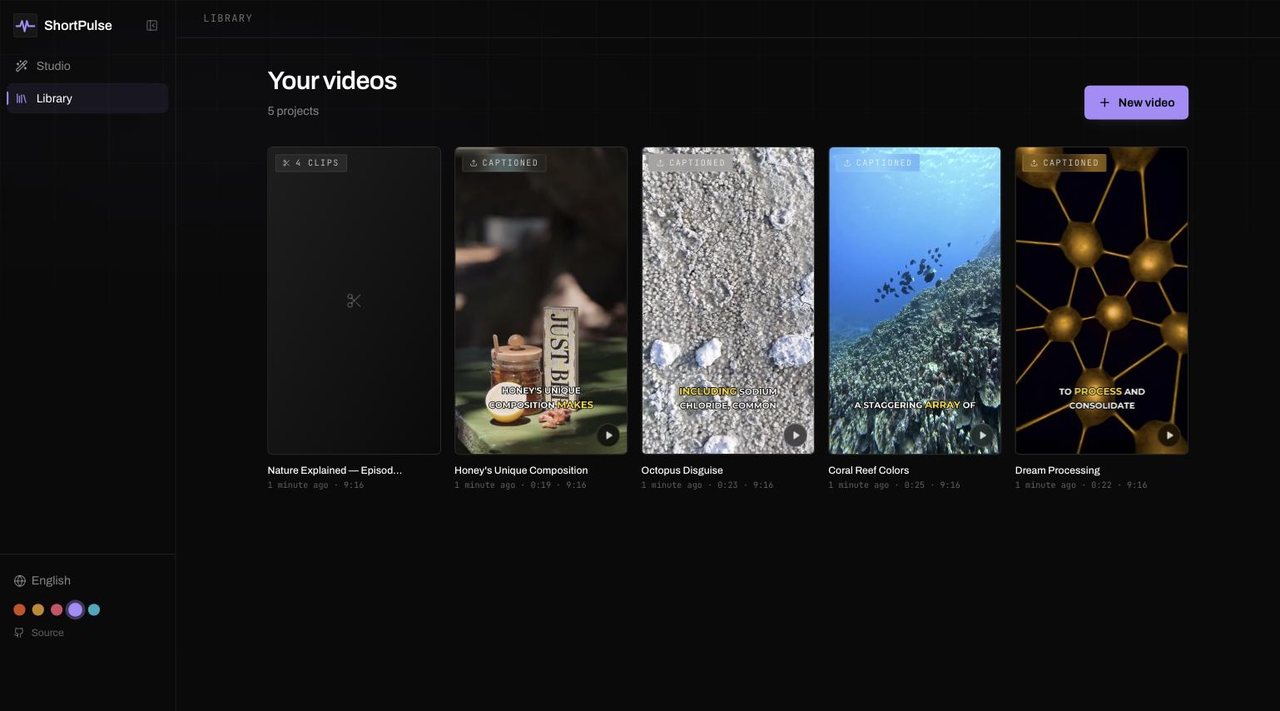
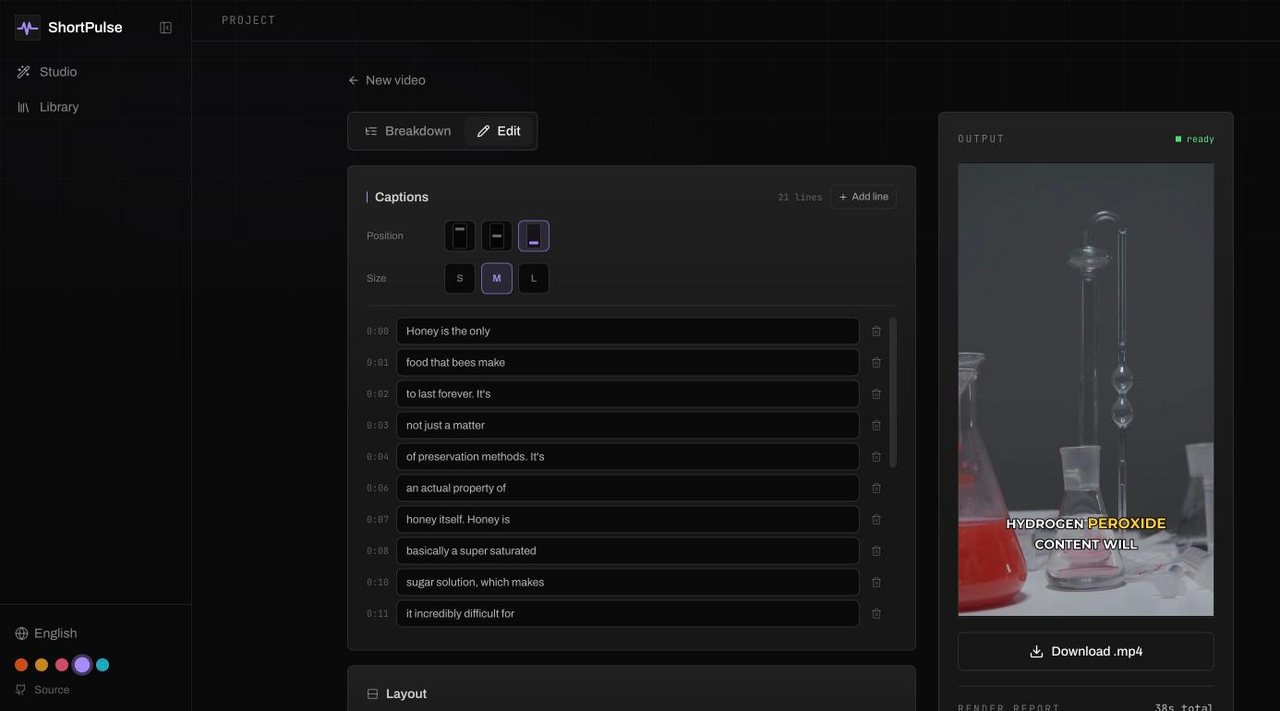
Type a topic. It writes the script, records the voiceover, finds footage or draws stills, times every caption and mixes in music — one finished vertical video.
One long recording, several posts
Drop in a podcast or a talk, choose the stretch worth reading, and the transcript picks the moments that stand up on their own. Each one comes out captioned, in your library, ready to edit.
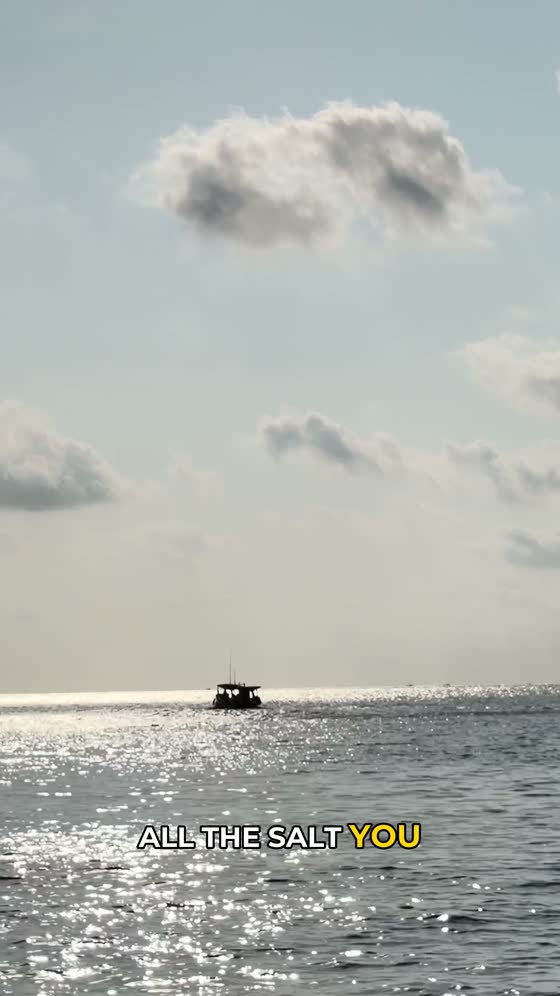
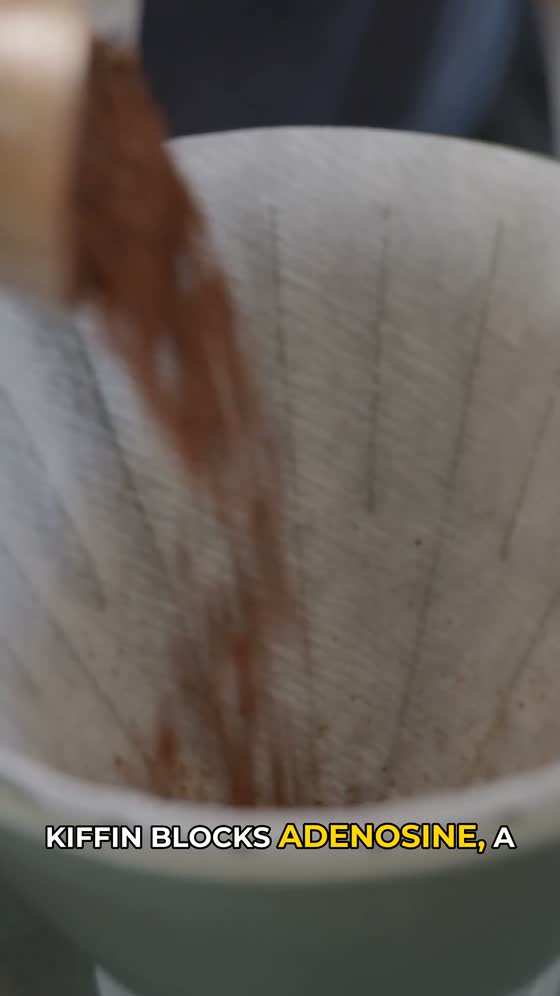
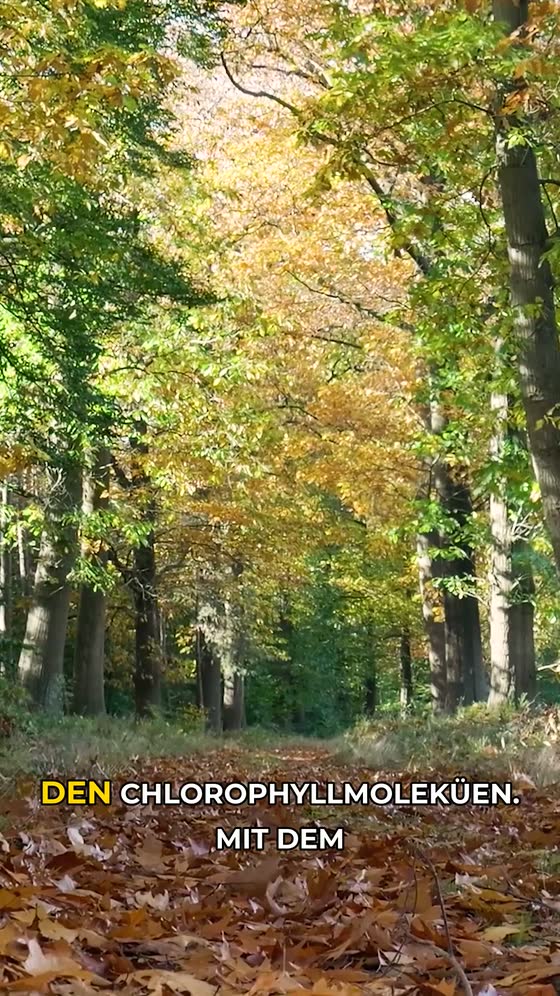

2 credits · 3:30 read
- The transcript picks the moments — three were asked for here and two were there.
- Only the stretch you choose is transcribed, so an hour of recording is not an hour of work.
- Priced by what was read, not per clip: one credit every two minutes.
- Every clip lands as its own project — captions, frame and edits included.
Built on open source you can audit
Three decisions, then it runs itself
Give it a topic
One line is enough — the LLM writes the scene breakdown, the hook and the call to action. Already have a script? Paste it and the AI only splits it into scenes.
Pick how it looks
Language, length, visual engine and caption style. The exact credit cost and an estimated render time are shown before you commit to anything.
Watch it build, then post it
Progress streams live over a WebSocket, stage by stage. You get a 1080x1920 MP4 with burned-in captions and ducked music — yours to download, no watermark.
Six looks, one prompt away
Every frame below is a real render — same model, same settings, same subject. We picked a subject with a face and hands on purpose, because that's the hardest thing to get right and the reason most of these looks are stylized.
The part that actually holds attention
Captions are timed per word by faster-whisper, so the active word highlights on the syllable it's spoken. Pick how that looks — size, colour, placement and how many words sit on screen at once.
captions that land on the beat
Every scene, lined up against the video
When a render finishes you get the whole breakdown next to the player — what the voice says, how long each scene runs, and where it sits in the timeline.
Scene breakdown
PlayingHook: Honey, the ultimate superfood, is surprisingly eternal!
It's because of its unique acidity level.
Honey's pH level is naturally acidic, around 3.2 to 4.5.
This acidity creates an environment where mold and bacteria can't thrive.
Additionally, honey's sugar content is so high that it dehydrates any microorganisms.
- Click any scene to jump the video to it
- The playing scene highlights itself as it goes
- Per-scene timing, straight from the word-level transcript
- Footage credits collected for you, with a copy button
Five local stages, one finished .mp4
Script
Ollama (local) or OpenAI breaks your topic into scenes
Voiceover
Piper voices, fully local, 9 languages
Captions
faster-whisper times every word for karaoke-style burn-in
Visuals
AI stills or free stock footage; local text-to-video when you self-host
Assemble
FFmpeg mixes ducked music and renders the final .mp4
Everything short-form video needs, none of it gated
Long video in, clips out
A podcast or a talk goes in; the transcript picks the moments worth posting and each comes back captioned. Priced by the minutes read, not per clip.
Dub into another language
Your own video, spoken again in any of the nine languages over the original picture — with captions to match.
Posts to YouTube for you
Connect a channel once and every finished render can go out automatically. Instagram and Facebook are coming.
Runs on your machine
Self-host it and scripting, voiceover, transcription, visuals and rendering all execute locally — only stock footage touches the network. The hosted service trades that away deliberately: it has no GPU, so the script and the AI stills come from paid APIs.
Word-synced captions
faster-whisper gives word-level timing, so captions highlight one word at a time instead of dumping a full line.
9 languages
Script, voiceover and subtitles generate natively in English, Turkish, Spanish, German, Arabic and more.
Auto-ducked music
Background music sidechain-ducks under the voiceover automatically — no manual mixing.
Photoreal stills or real footage
A RealVisXL still per scene with a Ken Burns move over it, or a matching Pexels clip. Self-hosting with a GPU adds local text-to-video, which this service doesn't run.
Branded outro card
An optional closing card rendered locally with Pillow, so the last frame is your call-to-action, not a diffusion guess.
What changes when it's local and open
| ShortPulse | Typical subscription tool | |
|---|---|---|
| What you pay | Per video, or nothing self-hosted | $20–50/mo, posted or not |
| Idle months | Cost nothing | Billed anyway |
| Source code | MIT, fully readable | Closed |
| Where it runs | Your machine, or ours | Their servers only |
| Customization | Edit prompts, swap models freely | Locked to their pipeline |
| Unused credits | Never expire | Reset every month |
Pay for videos, not for a month you didn't use
Credits are one-off and never expire. No plan renews, nothing charges you again unless you buy again — and the whole thing is still MIT if you'd rather run it yourself.
Free
Every new account, no card.
- 5 credits on sign-up
- Your first AI-stills video free
- Then stock-footage videos from 1 credit
- Every language
- No watermark
Starter
Testing the water on a posting habit.
- 100 credits
- ~33 standard videos
- ~100 with stock footage
- Never expire
Or pay nothing at all
Self-host it and the price is zero, forever — credits only exist because the hosted instance runs renders on hardware someone has to pay for.
1 credit = stock footage · 3 = AI stills · 10 = local text-to-video, each ×2 for medium and ×3 for long. You're quoted the exact cost before a render starts.
Prices in USD. Cards from any country work — your bank converts at its own rate.
Built to survive scrutiny
Marketing pages hide the rough edges. Ours are in the README, in full — here are a few of them, so you know before you clone it:
- AI stills draw faces convincingly and extremities badly — hands, feet and full-body shots are where a frame falls apart, so the script engine keeps people in close and medium shots. Legible text is beyond the model entirely: it cannot write a label, a sign or a book cover.
- ai_video (local text-to-video) only runs where you supply the GPU. It is not available on this hosted service: renting one costs more per video than the mode is priced at, so we would rather not offer it than offer it badly.
- Small local LLMs occasionally under-count scenes; the script engine retries and drops malformed ones rather than failing the render.
- Stock footage is a closest-match, not a guarantee — Pexels clips can be loosely related to the scene.
The questions worth asking first
Videos
What exactly do I get?
A 1080x1920 MP4, H.264/AAC, with the voiceover, word-synced captions burned in, background music ducked under the voice, and an optional closing card. No watermark, on every plan including the free credits.
How long does a render take?
On this service, a short with stock footage takes about 45 seconds end to end. AI stills take one to two minutes: the images come from a hosted GPU at roughly 8 seconds each, but the first one after a quiet spell waits for the model to load. Self-hosted on an Apple Silicon M-series the stills are much slower — about 78 seconds per scene, so ~7 minutes for a short — because your own machine is doing the diffusion.
Which languages are supported?
Nine: English, Turkish, Spanish, French, German, Portuguese, Arabic, Russian and Italian. Script, voiceover and subtitles are all produced in the language you pick. Japanese is missing because Piper ships no Japanese voice we can use commercially.
Can I use my own script?
Yes. Paste it and the LLM only splits it into scenes and writes the visual prompts — your wording reaches the voiceover untouched.
Do you post to TikTok or YouTube for me?
No. ShortPulse renders the file and hands it to you; publishing is still your job. If auto-posting is the feature you actually want, another tool will serve you better today.
Do I own what I make?
Yes. Download it and do what you like with it. When you use the stock-footage mode, credit the videographers in your post description — the project page collects the names and links for you, and Pexels' licence requires it.
Credits & billing
How does pricing work?
Credits, bought once. A render costs 1 credit with stock footage and 3 with AI stills, doubled for medium length and tripled for long. You see the exact cost before you start it. (Local text-to-video is 10, and only applies if you self-host — it is not offered here.)
Do credits expire?
No. Nothing renews and nothing resets monthly — the ledger has no expiry, so credits sit there until you spend them.
What if a render fails?
The credits go back automatically. Refunds are tied to the project and can only happen once, so a failure can't leave you charged for a video you never got.
Is there really a free tier?
5 credits when you sign up, no card. One of your videos can use AI stills — that one is on us, so you see the paid mode before deciding anything — and the rest of the grant renders stock-footage videos at 1 credit each. Re-rolling a scene and further AI-stills renders need a credit pack.
Self-hosting
Can I run this myself instead?
Yes, and it costs nothing. The whole thing is MIT — clone it, point it at your own Ollama and GPU, and there are no accounts, no credits and no limits. Credits exist only because the hosted instance runs on hardware somebody pays for.
Is it genuinely local?
When you self-host, yes: scripting, voiceover, transcription, image generation and rendering all run on your machine, and the one stage that reaches the network is stock footage from Pexels. This hosted service is the trade-off — it has no GPU, so scripts come from OpenAI and AI stills from Replicate. Voiceover, captions and rendering still happen on our server, and the code is the same either way.
What are the rough edges?
AI stills draw faces well and extremities badly — hands, feet and full-body shots are where a frame falls apart — and legible text is beyond the model entirely. Local text-to-video needs a serious GPU, which is why this service doesn't offer it at all. Small local LLMs sometimes return fewer scenes than asked. All of it is in the README's Known limitations section.